IQ Products

Press & partners

Media kit

Logos, images and film for anyone writing about or presenting SortIQ and SensorIQ. Download what you need; the terms of use are at the bottom of the page.

Logos

SortIQ logo for dark backgroundsSVGPNG
SortIQ logo for light backgroundsSVGPNG
SensorIQ logo for dark backgroundsSVGPNG
SensorIQ logo for light backgroundsSVGPNG
IQ icon, blue (SortIQ)SVGPNG
IQ icon, white (SortIQ)SVGPNG
IQ icon, purple (SensorIQ)SVGPNG
IQ icon, white (SensorIQ)SVGPNG

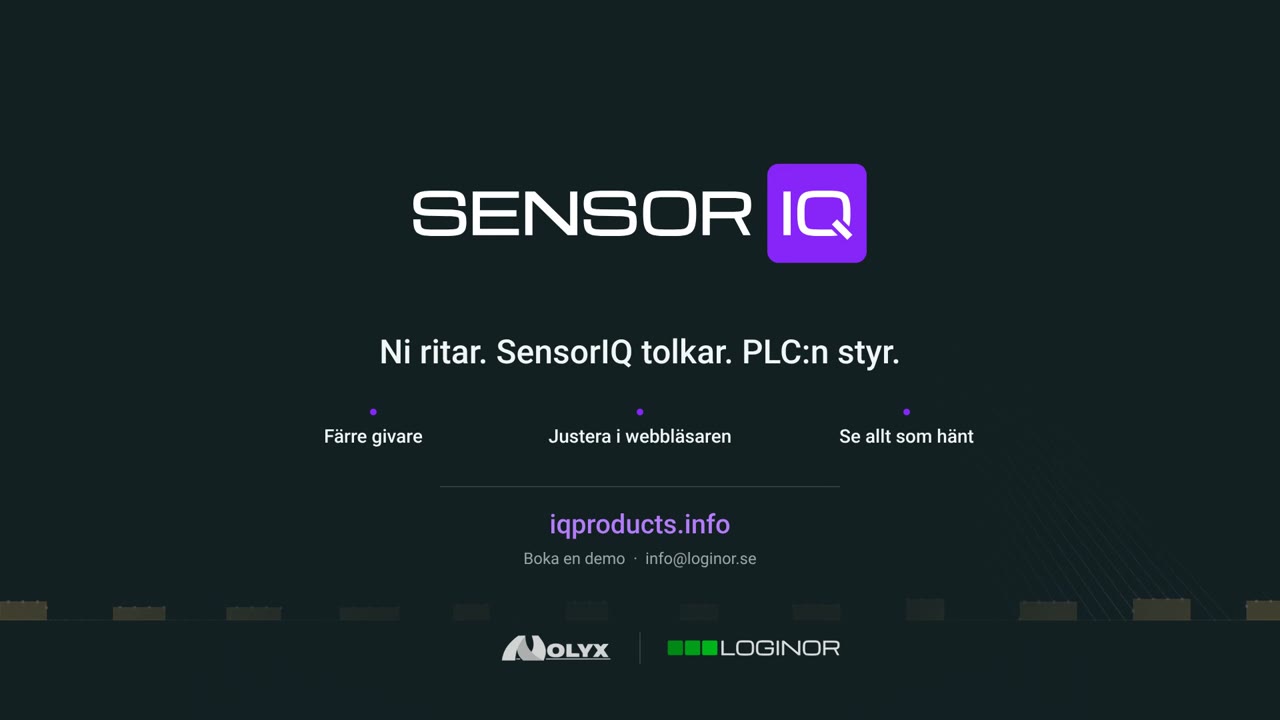
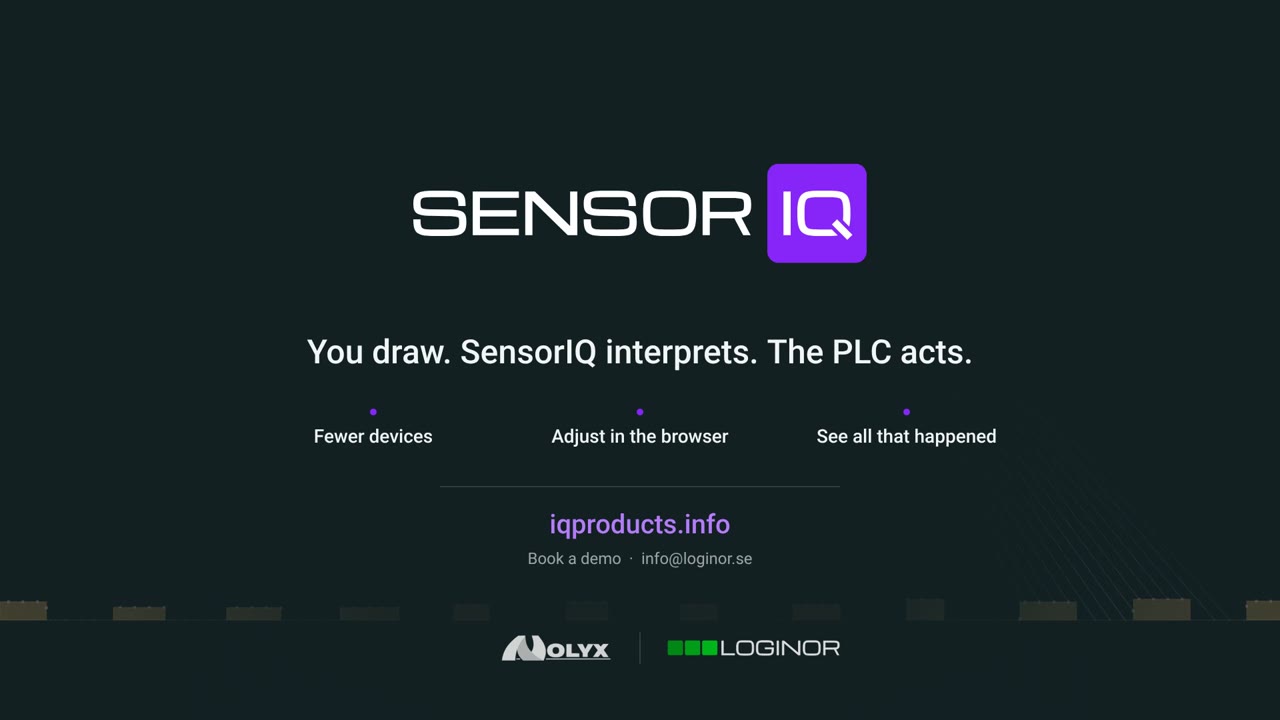
Teams backgrounds

For video meetings, 1920 × 1080. The middle is kept clear for you. In Teams: Background effects → Add new.
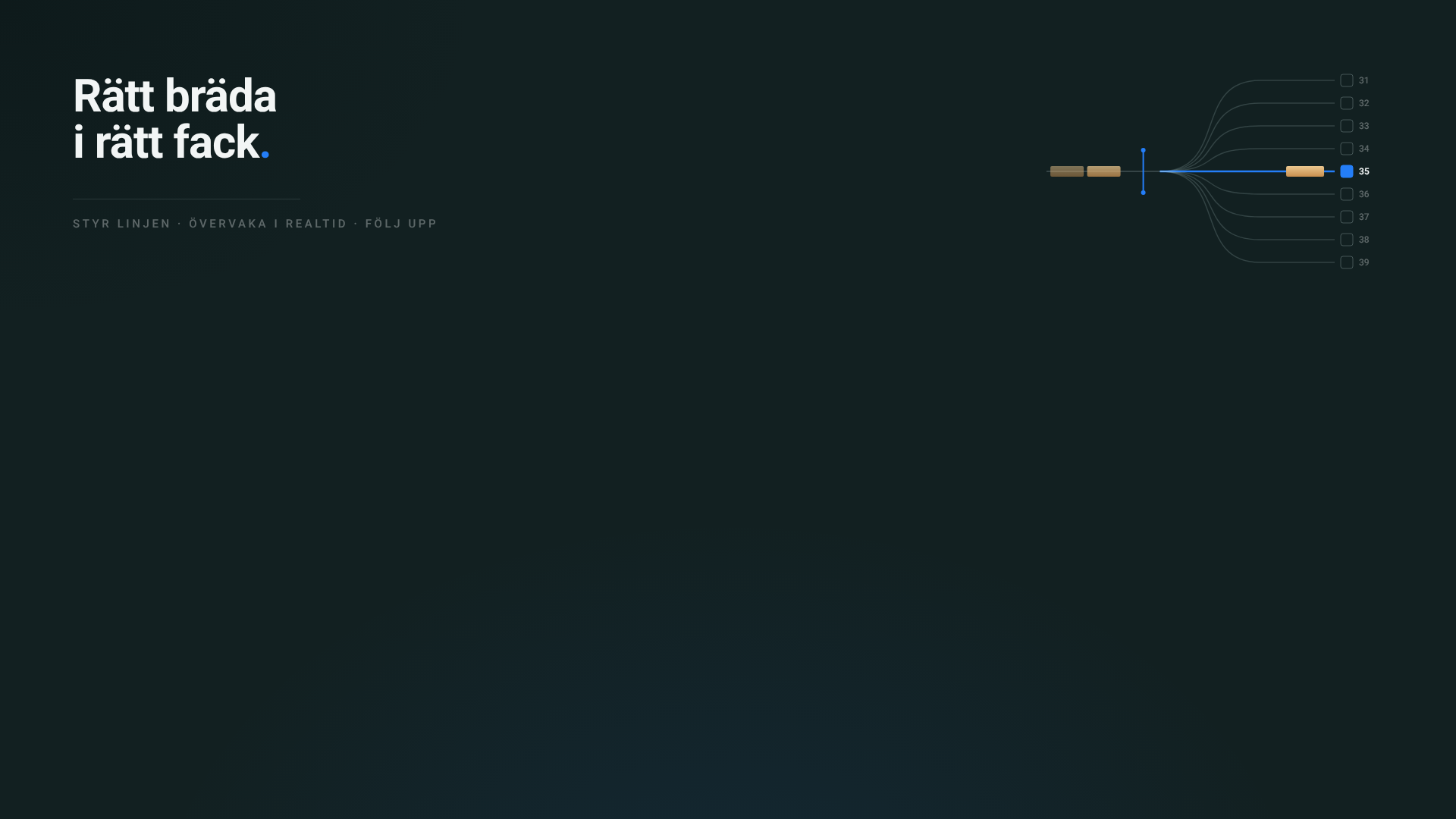
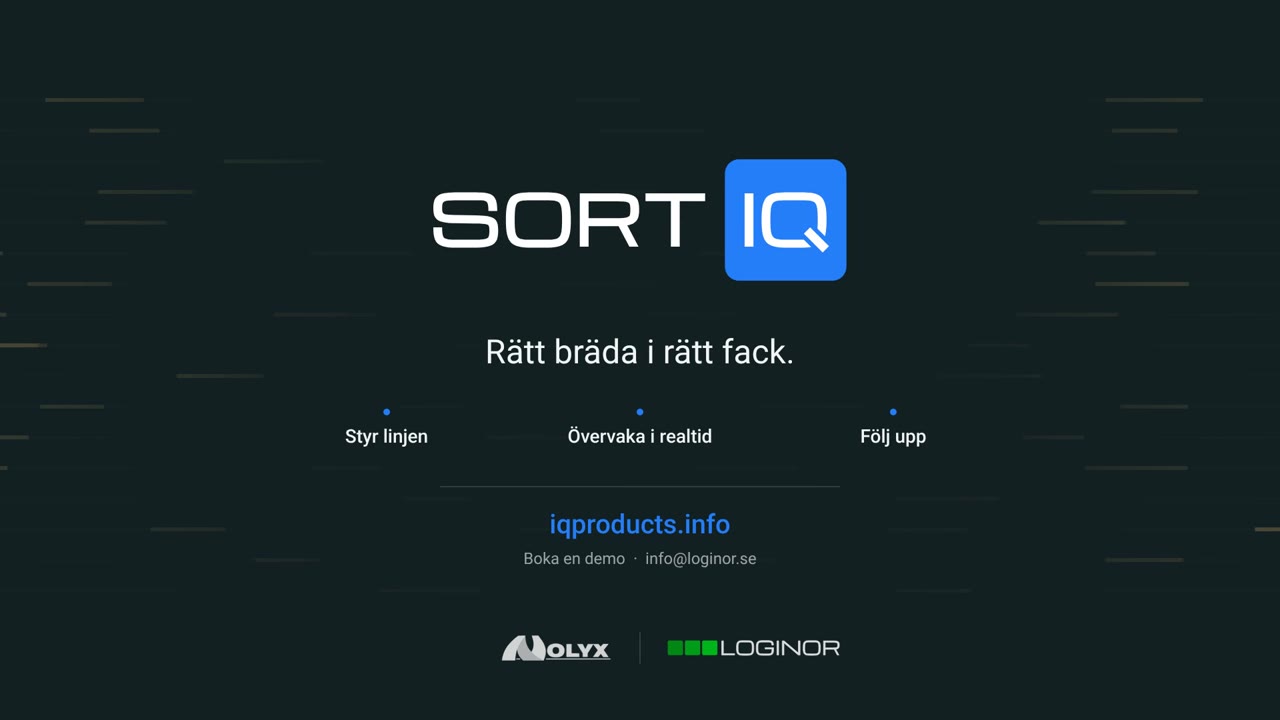
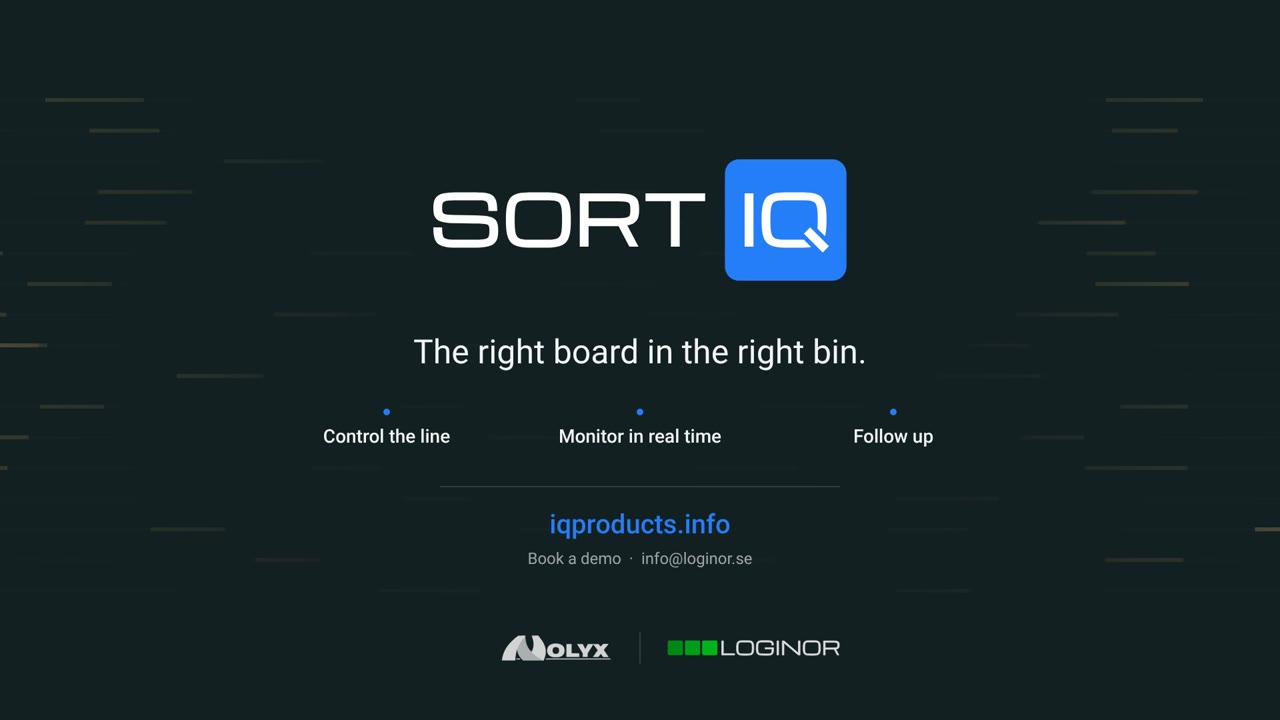
Logo and claim (Swedish text)
Logo and claim (Swedish text)Download
The sorting line (Swedish text)
The sorting line (Swedish text)Download
Claim, no logo (Swedish text)
Claim, no logo (Swedish text)Download
Boards only
Boards onlyDownload
Boards with the SortIQ and SensorIQ logos
Boards with the SortIQ and SensorIQ logosDownload

E-mail signature

A banner to put under your e-mail signature, 600 × 140 (2× resolution for sharp screens). In Outlook: Settings → Accounts → Signatures, insert the picture below your details and link it to iqproducts.info/sortiq.
SortIQ, Swedish textDownload
SortIQ, English textDownload

Images

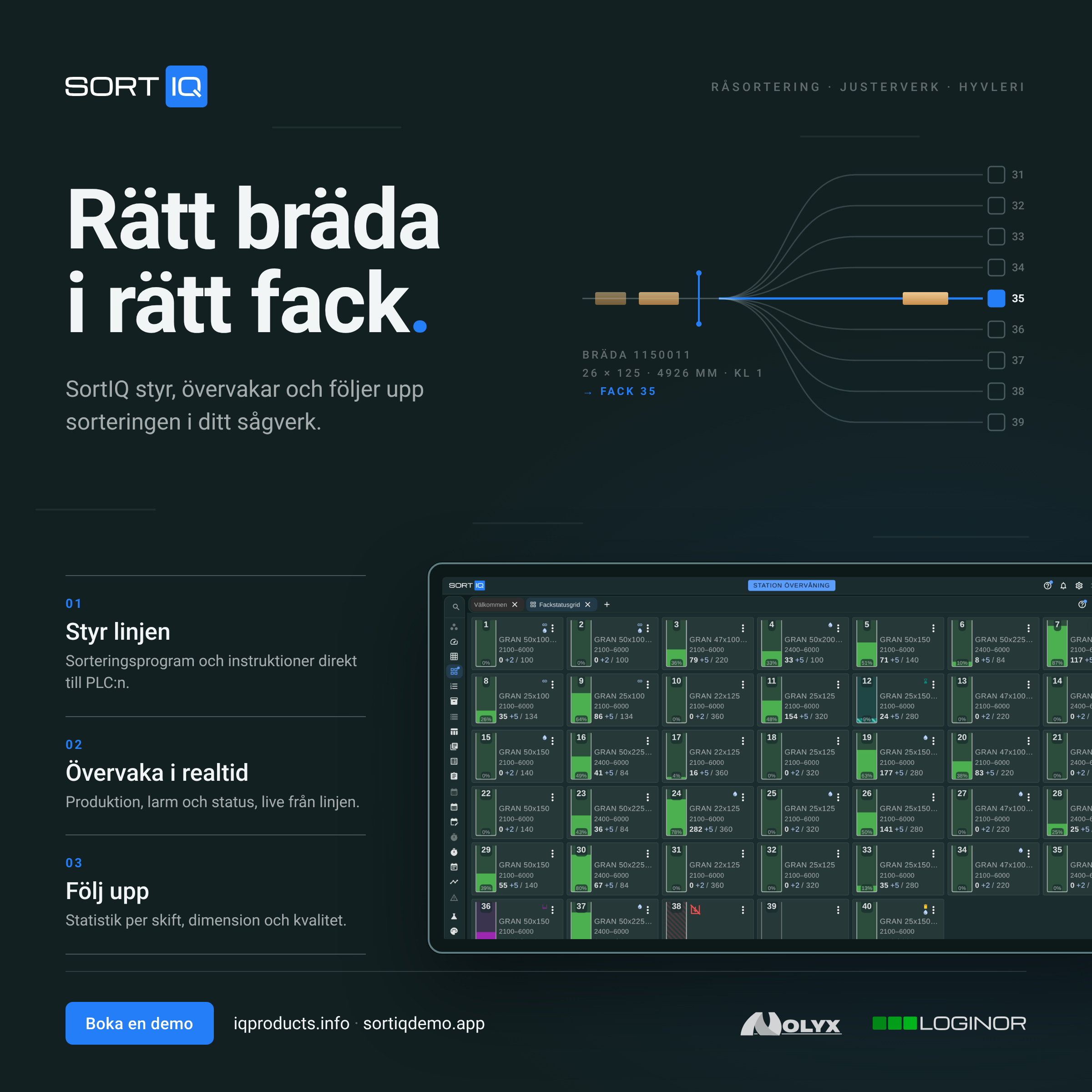
SortIQ social media post (Swedish), 2400 × 2400
SortIQ social media post (Swedish), 2400 × 2400Download
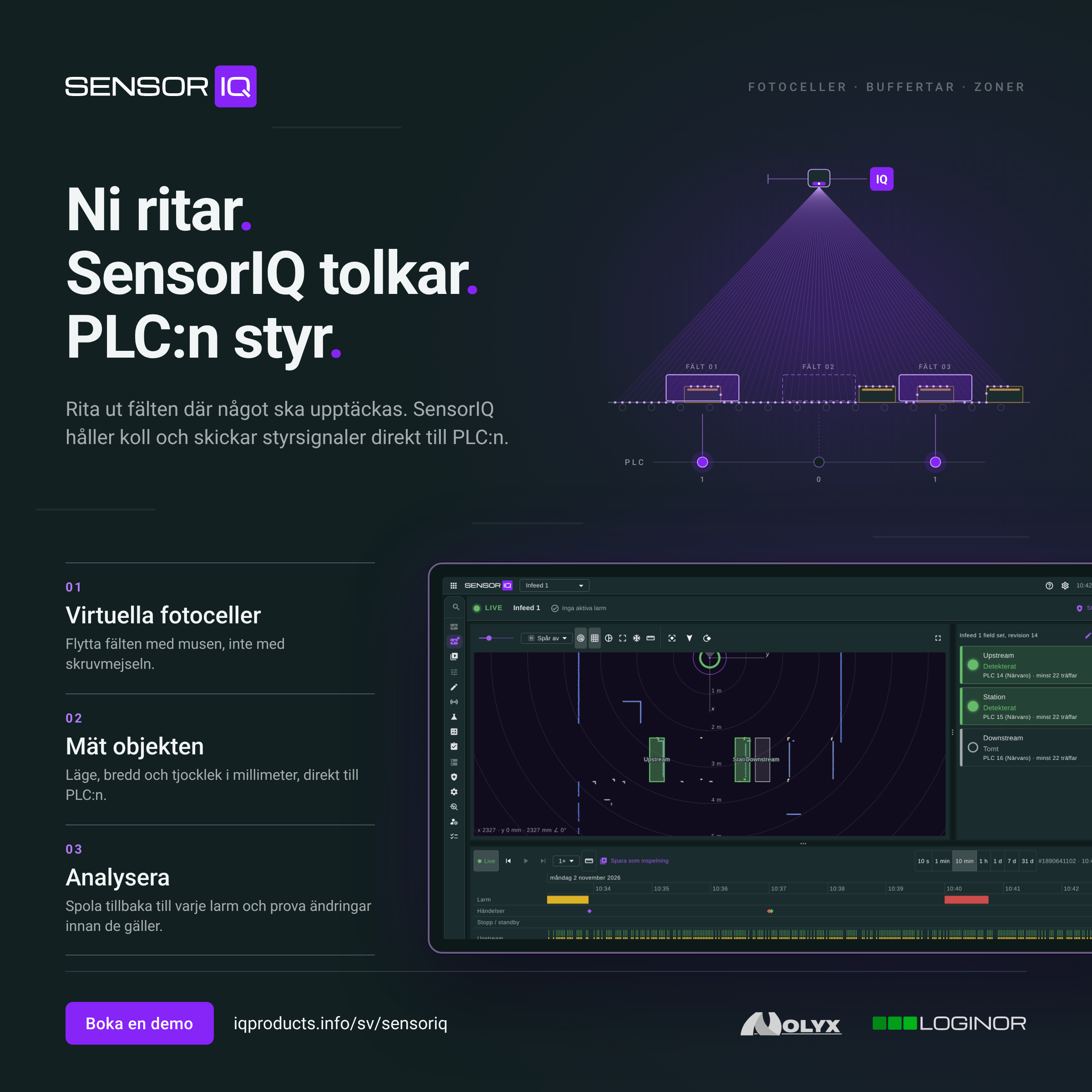
SensorIQ social media post (Swedish), 2400 × 2400
SensorIQ social media post (Swedish), 2400 × 2400Download
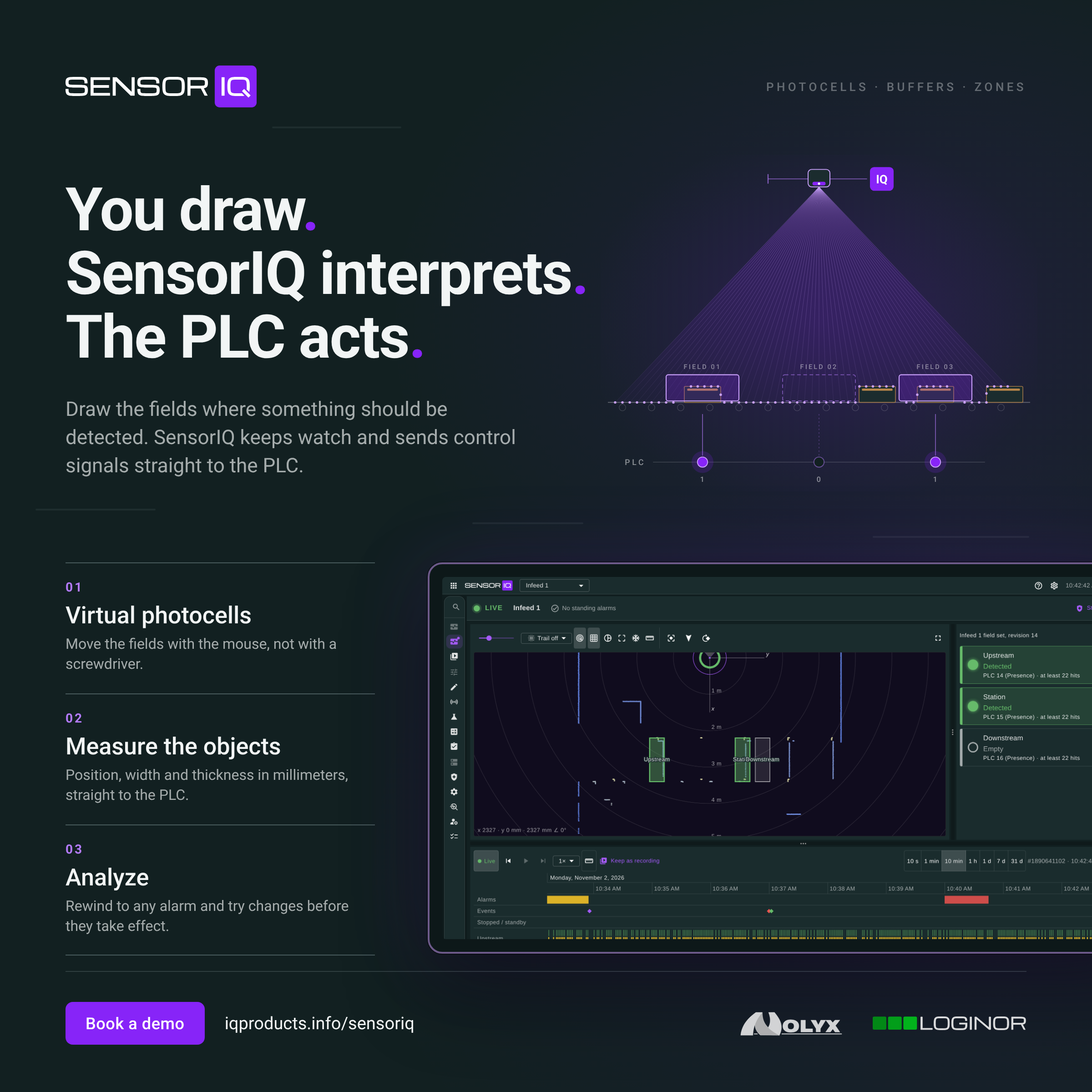
SensorIQ social media post (English), 2400 × 2400
SensorIQ social media post (English), 2400 × 2400Download

Promo films

SortIQ, Swedish, MP4Download
SortIQ, English, MP4Download
SensorIQ, Swedish, MP4Download
SensorIQ, English, MP4Download

Screenshots

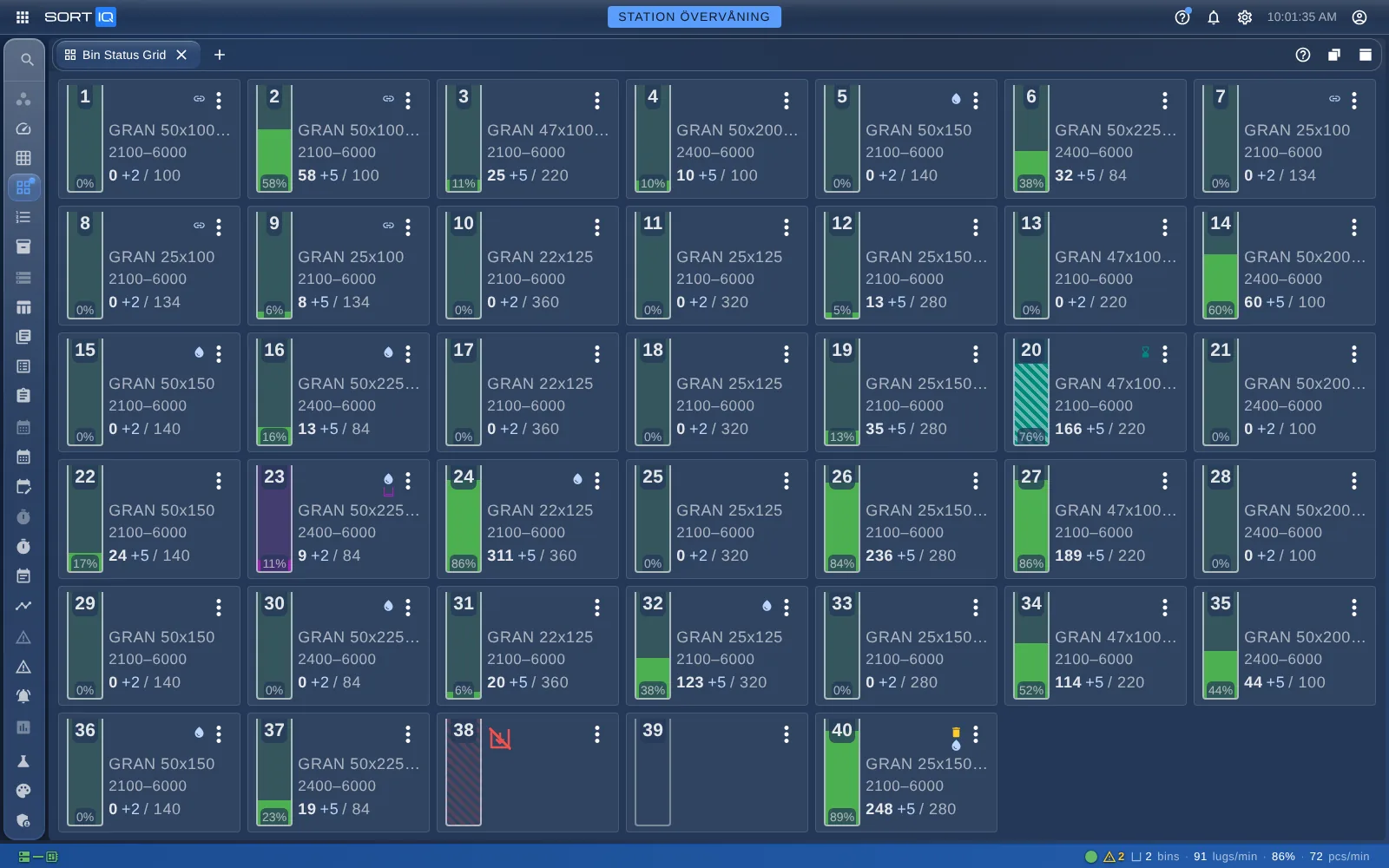
SortIQ: Every bin at a glance, with its fill level and status.
SortIQ: Every bin at a glance, with its fill level and status.Download
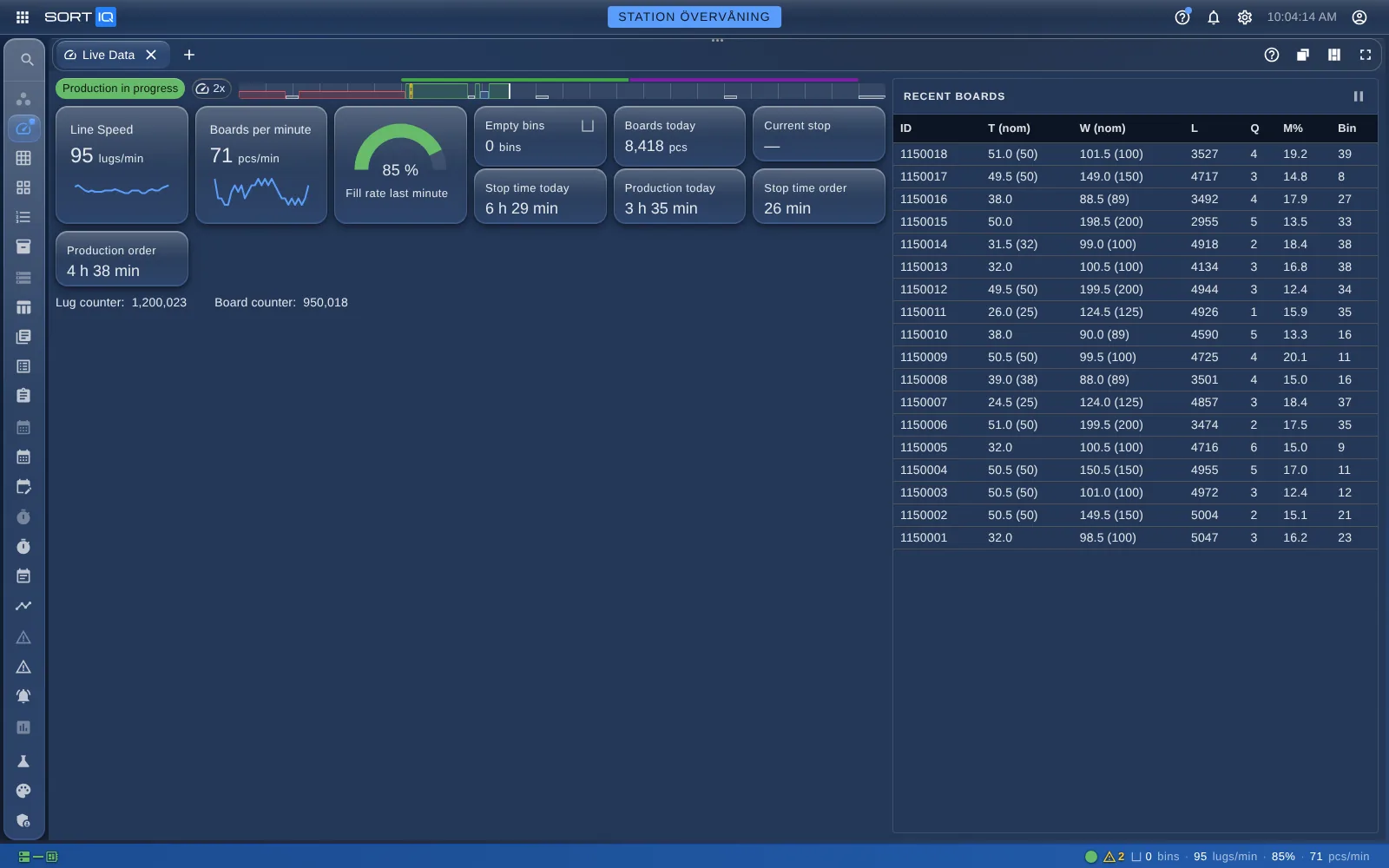
SortIQ: Live production data, straight from the PLC.
SortIQ: Live production data, straight from the PLC.Download
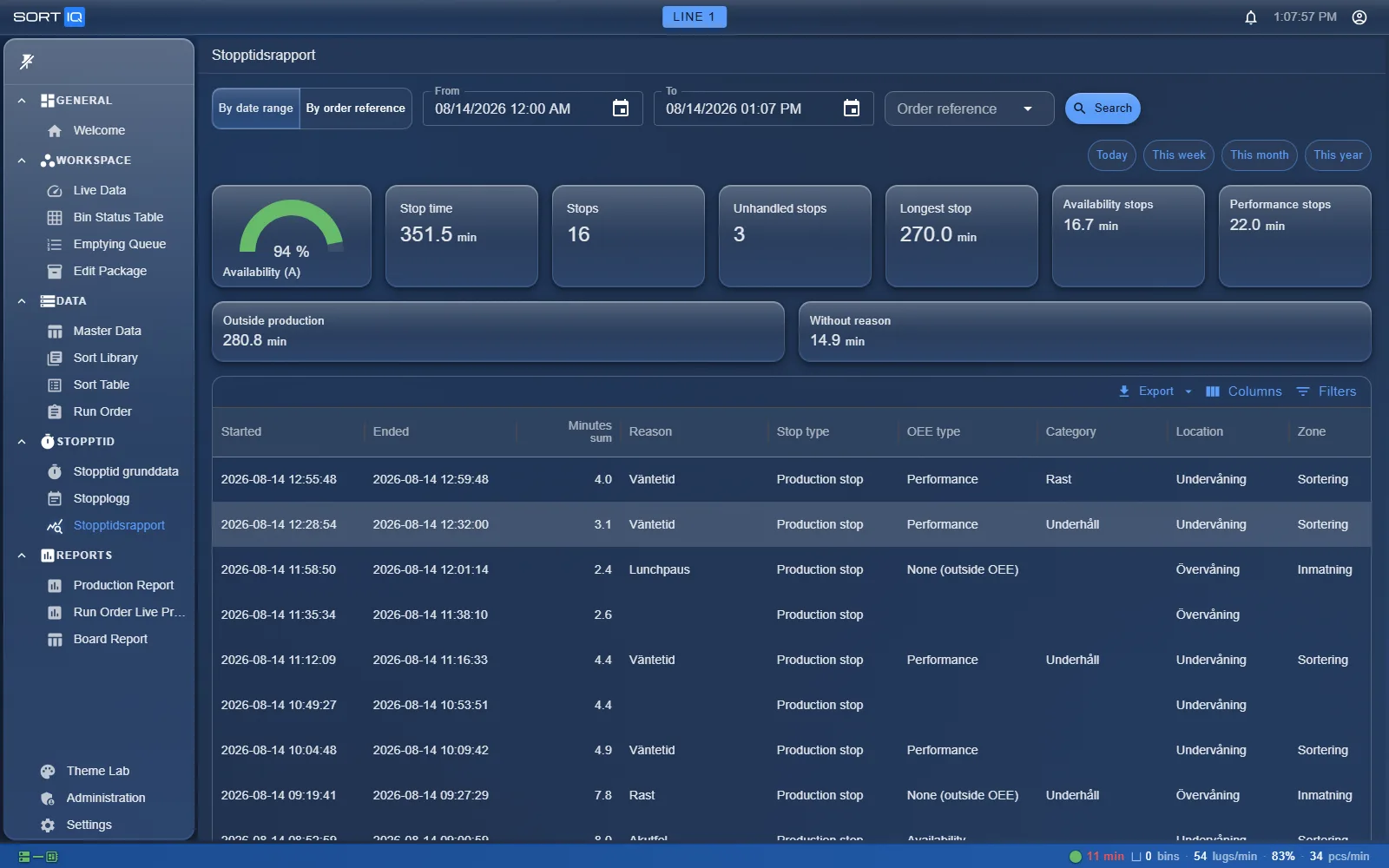
SortIQ: Follow up stops, shifts and production in the reports.
SortIQ: Follow up stops, shifts and production in the reports.Download
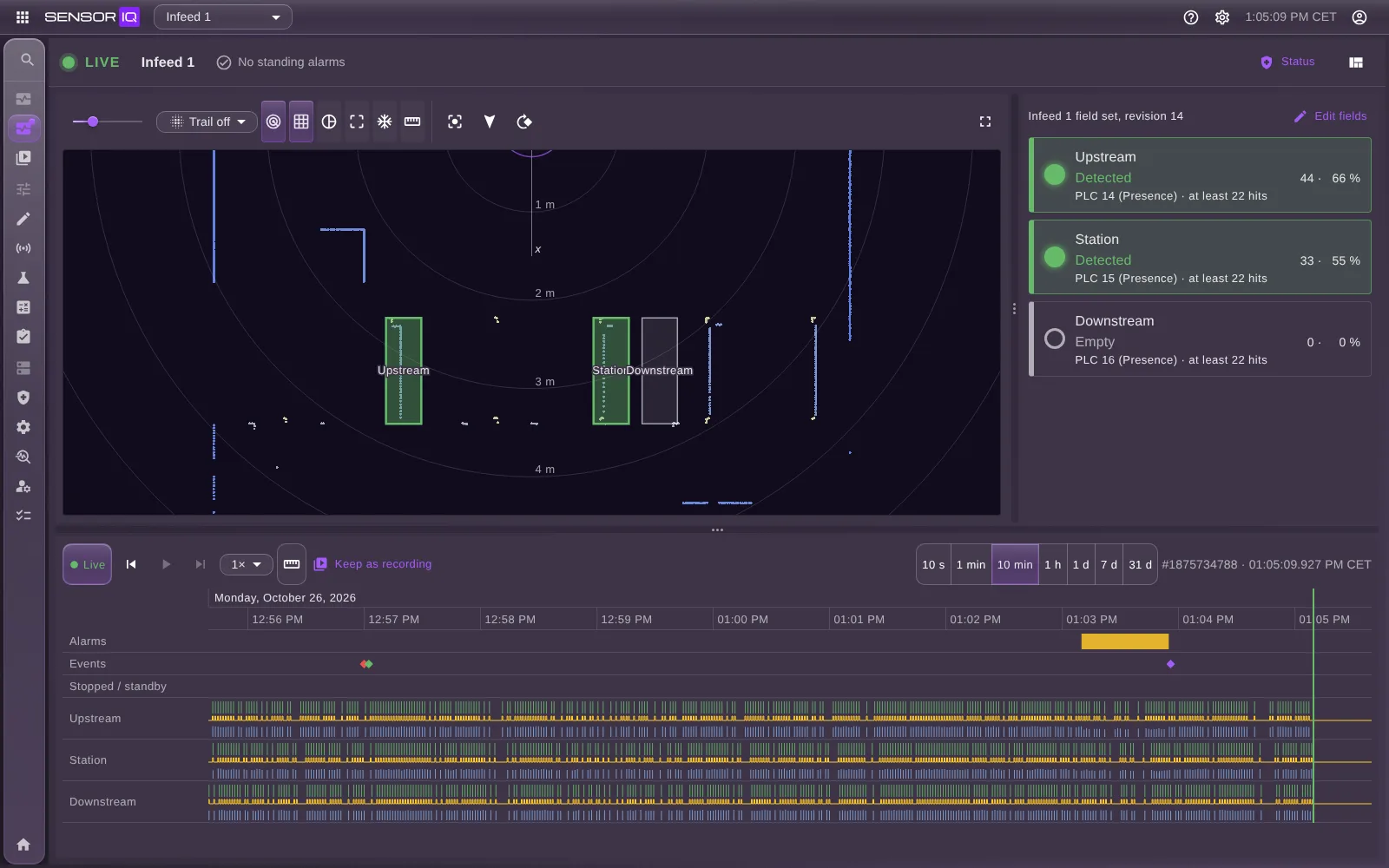
SensorIQ: The live scan, with a lamp for each field and the timeline below.
SensorIQ: The live scan, with a lamp for each field and the timeline below.Download
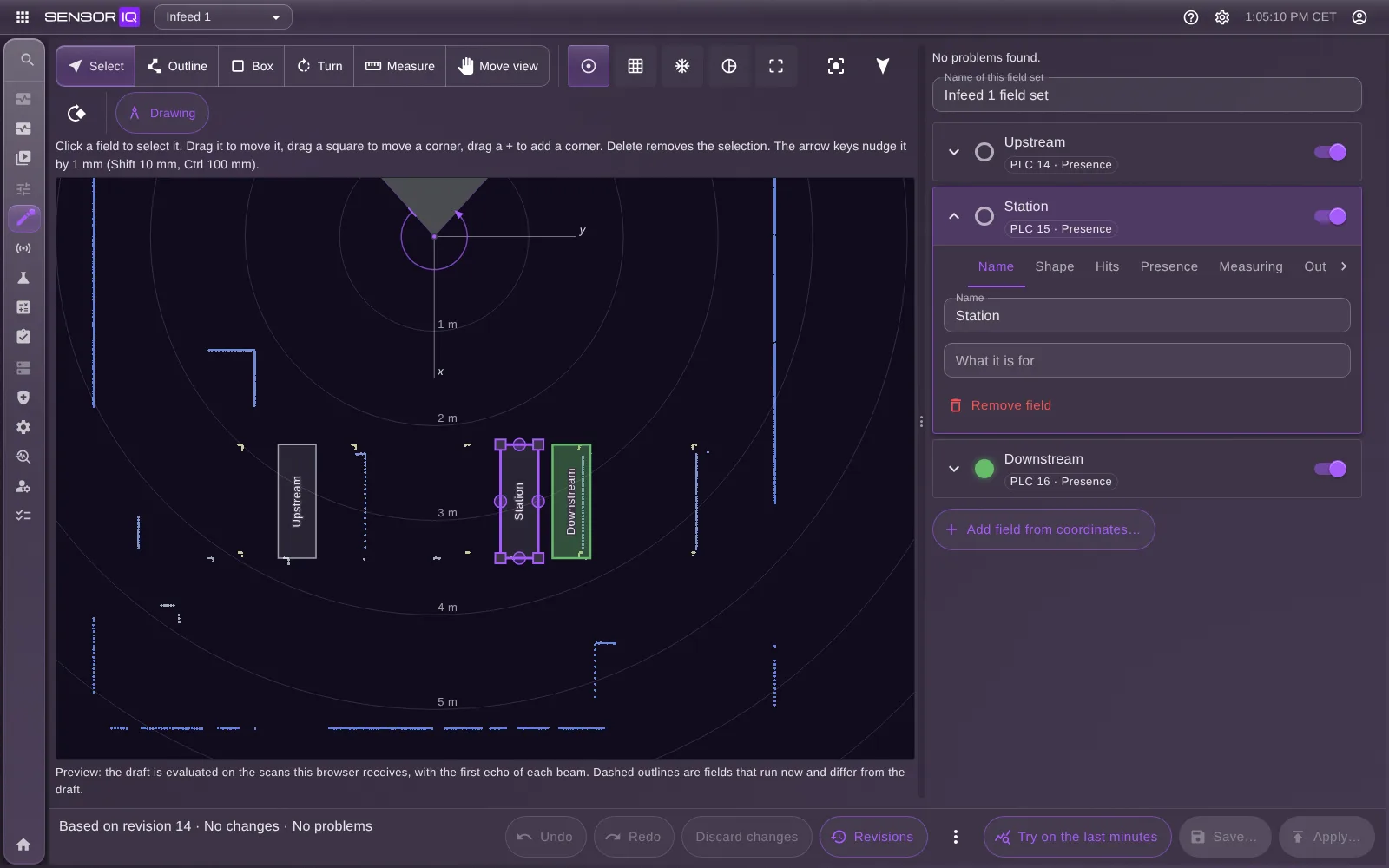
SensorIQ: Draw and set up the fields on the scan, and try them before they apply.
SensorIQ: Draw and set up the fields on the scan, and try them before they apply.Download
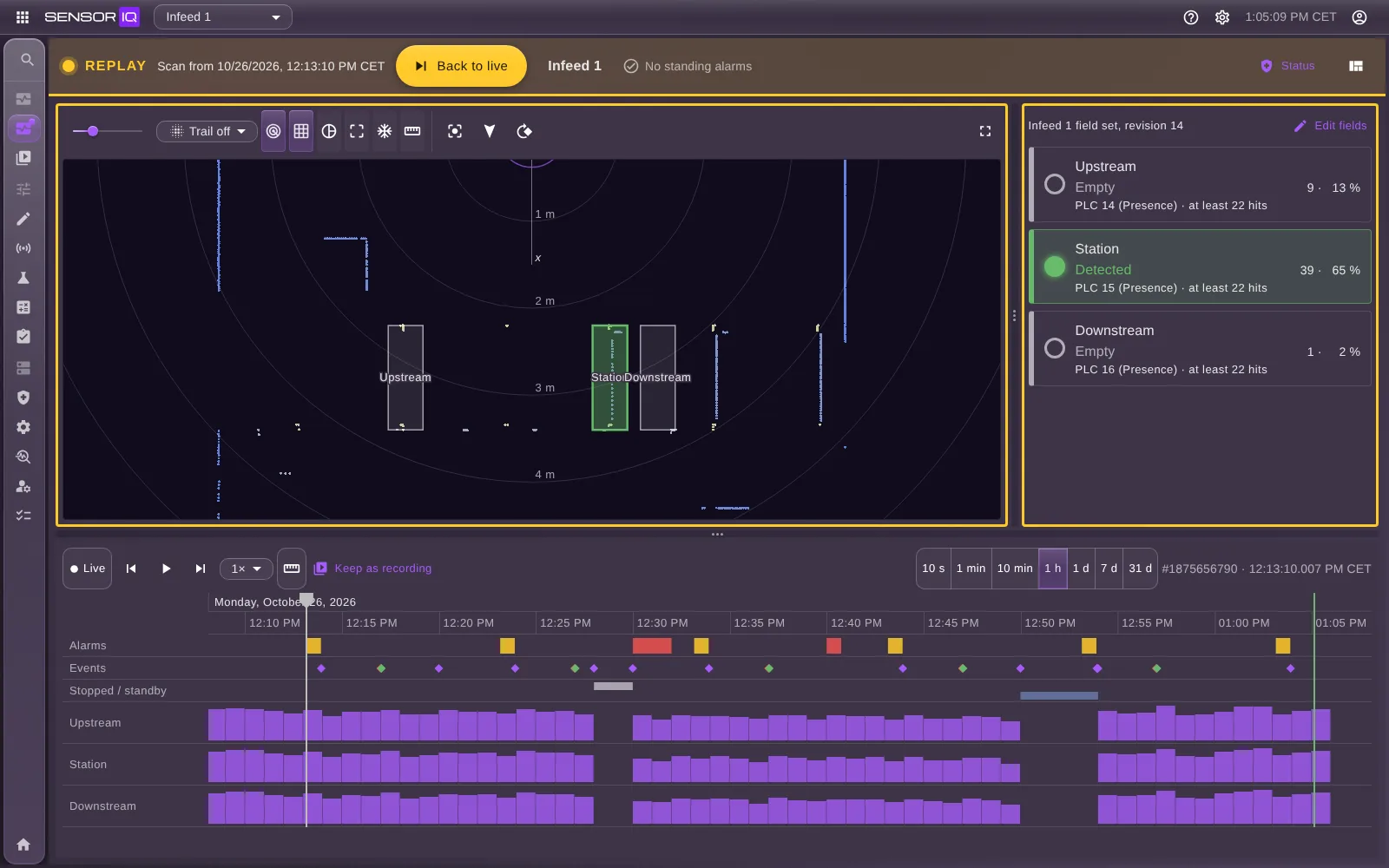
SensorIQ: Click an alarm on the timeline and see the scan it came from.
SensorIQ: Click an alarm on the timeline and see the scan it came from.Download

Terms of use

Questions about the material or its use: info@loginor.se